


Opening the Command Console from the Coreflux HUB System menu
Why Use the Command Console?
You need to run broker commands—add Actions, remove Connectors, or perform other operations—without connecting an external MQTT client. The Command Console lets you execute broker commands directly from the Coreflux HUB.When to Use It
- Adding entities — Send
-addAction,-addConnector(or-addRoute), or similar commands - Removing entities — Send
-removeAction,-removeConnector(or-removeRoute), etc. - Other operations — Any command supported by the broker’s command topic
How It Works
The Command Console sends your input to$SYS/Coreflux/Command. The broker replies with a JSON envelope on $SYS/Coreflux/Command/Output, which the HUB displays.
You do not need to:
- Subscribe to the command topic yourself
- Use an external MQTT client (for example, MQTT Explorer)
- Publish from the command line
-requestId when you send several commands in a row and need to tell the replies apart. The full command list is in Broker Commands.
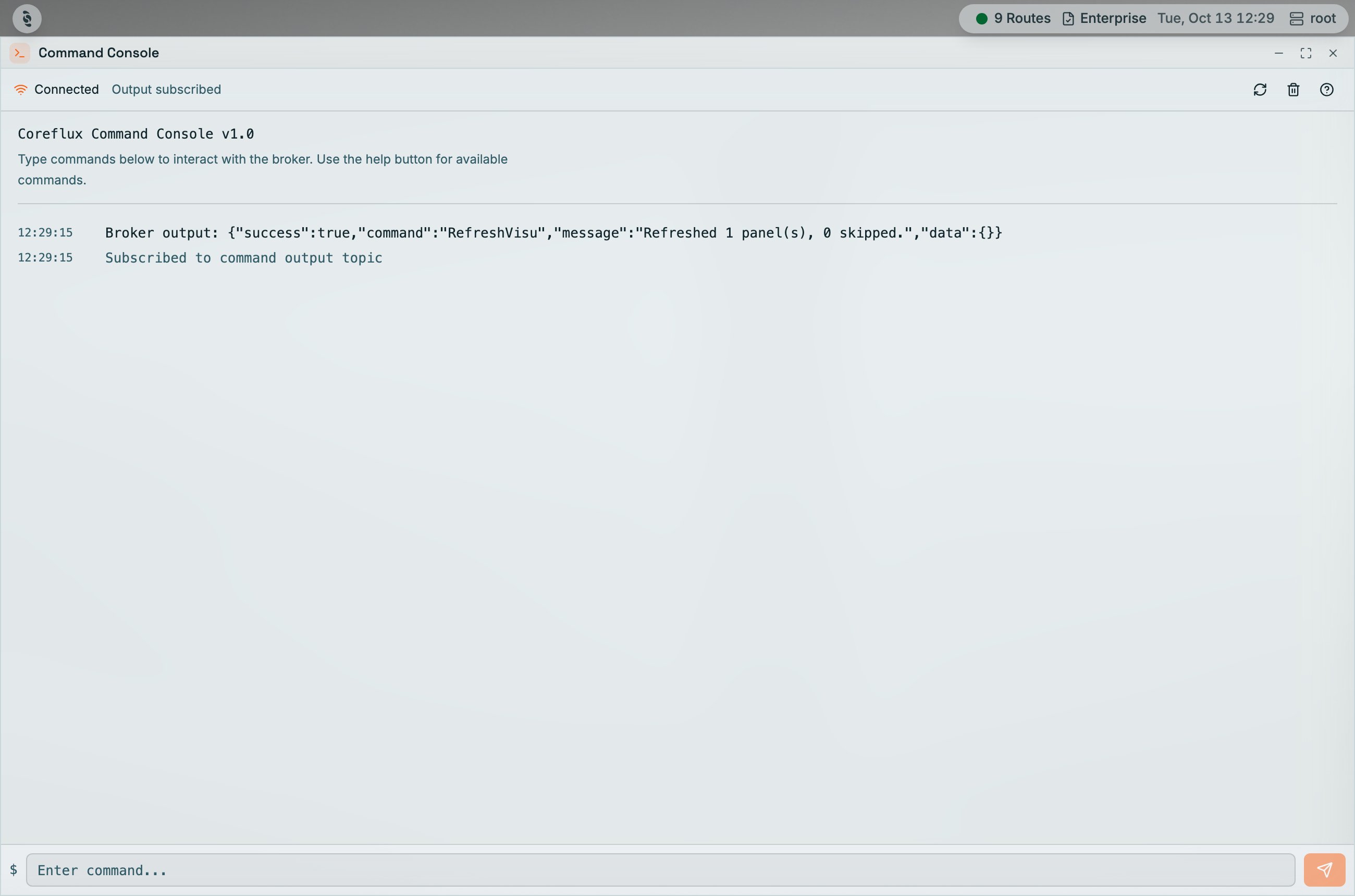
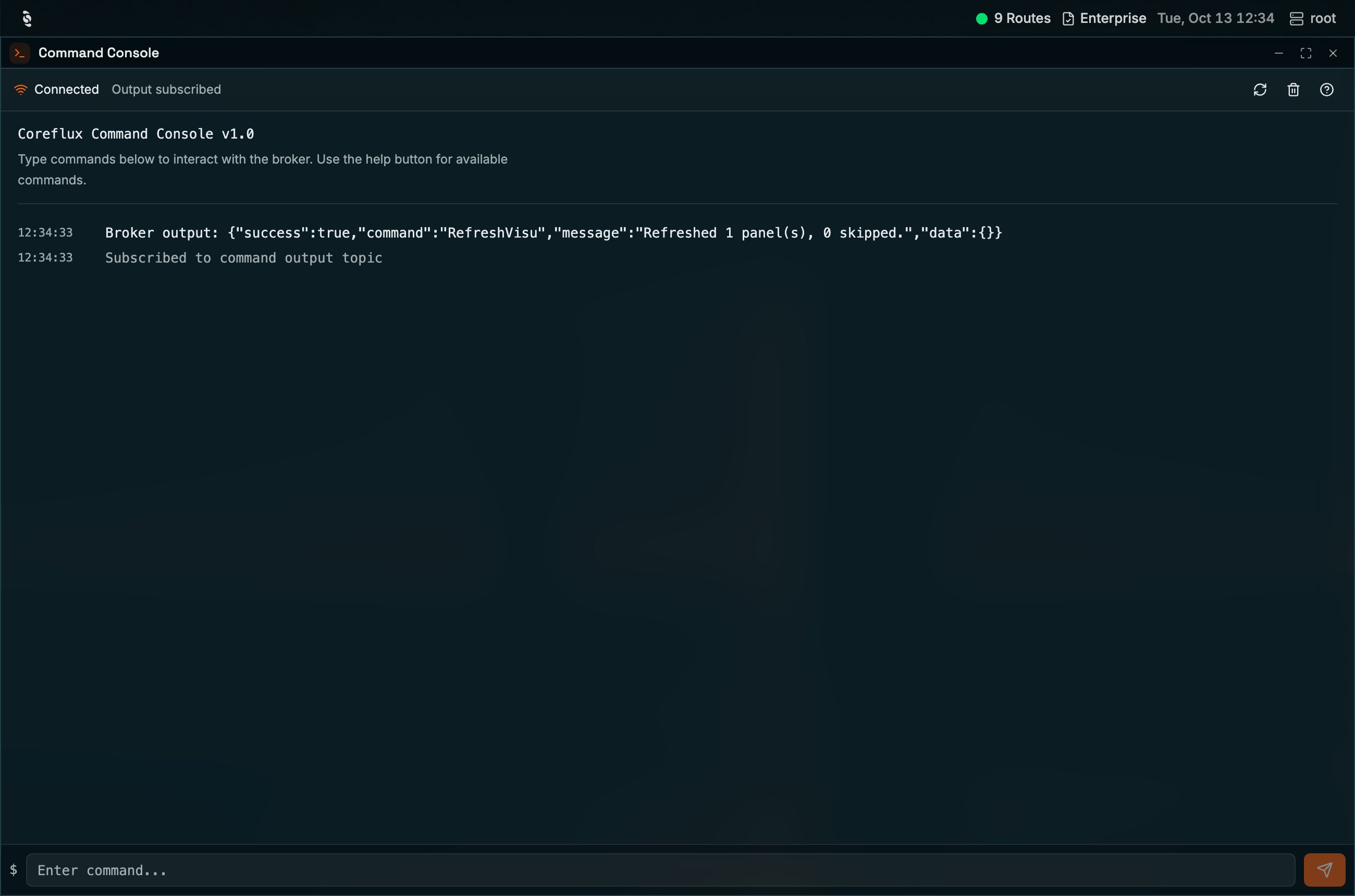
Command Console with a connected status, a broker response, and the command input at the bottom
Entering Commands
- In the HUB top navigation, select System, then Command Console.
- Enter the command in the input field (e.g.,
-addAction DEFINE ACTION ...). - Send the command. The broker processes it and returns a result.
Next Steps
MQTT Broker Commands
Learn available broker commands and syntax.
Broker Logs
View command execution logs.