

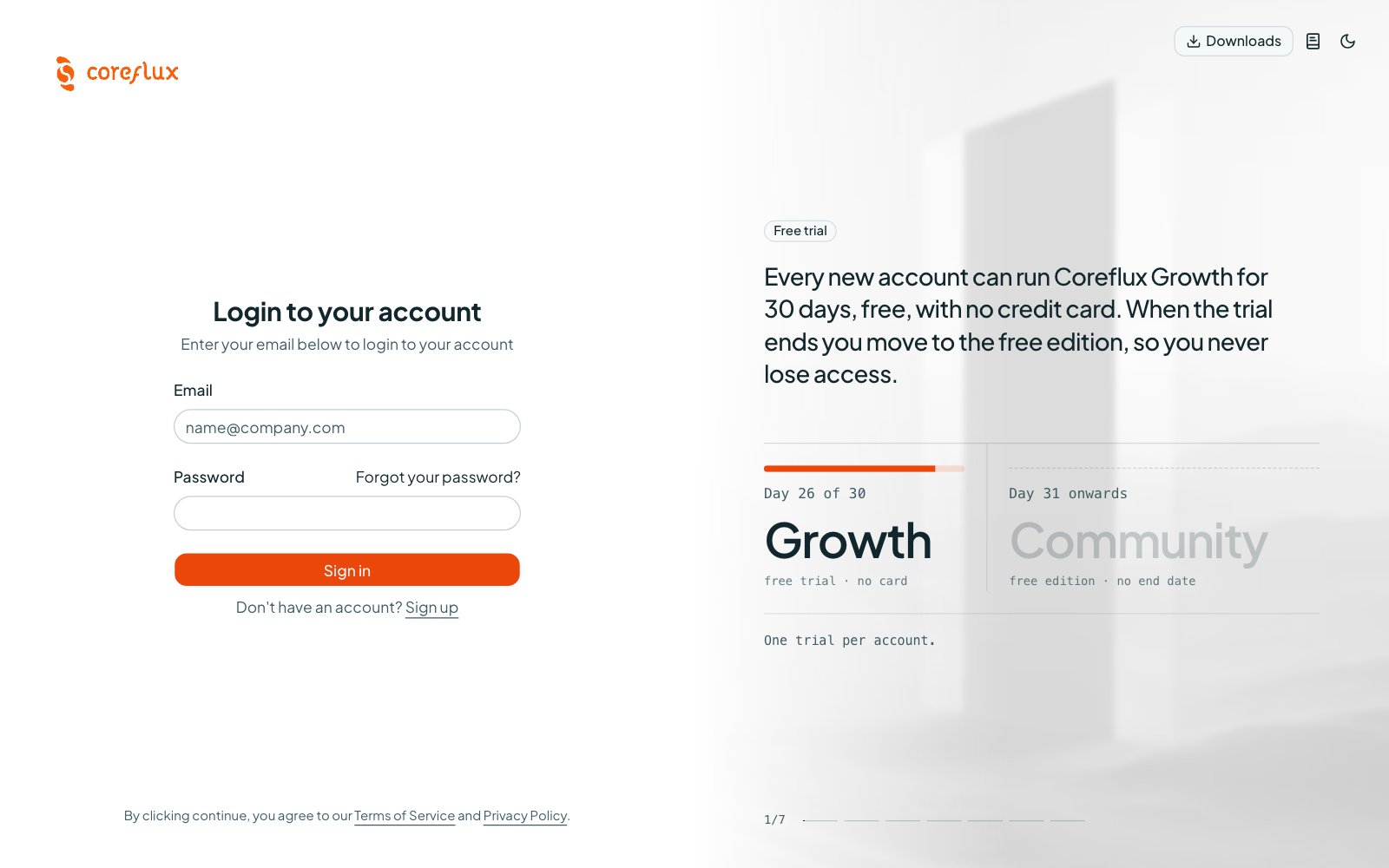

Sign in to the Coreflux Portal at portal.coreflux.org
Why Use the Portal?
Licensing a Coreflux broker used to mean asking your Coreflux contact for a license file. The Portal at portal.coreflux.org makes it self-serve: create an account, start a 30-day trial, get a licensed broker running, and see it report in — without opening a support thread.When to Use It
- Trying Growth features — Start a 30-day trial that licenses one broker with Growth features
- Licensing a broker — Get an activation code and the exact install command for Docker, Linux, Windows, or Helm
- Keeping an eye on brokers — See which brokers are online, which version they run, and how they perform in Fleet
- Working as a team — Invite colleagues into your organization and give each one a role
- Adding a license you bought — Claim it with its activation code so it shows up in your organization
What You Find in the Portal
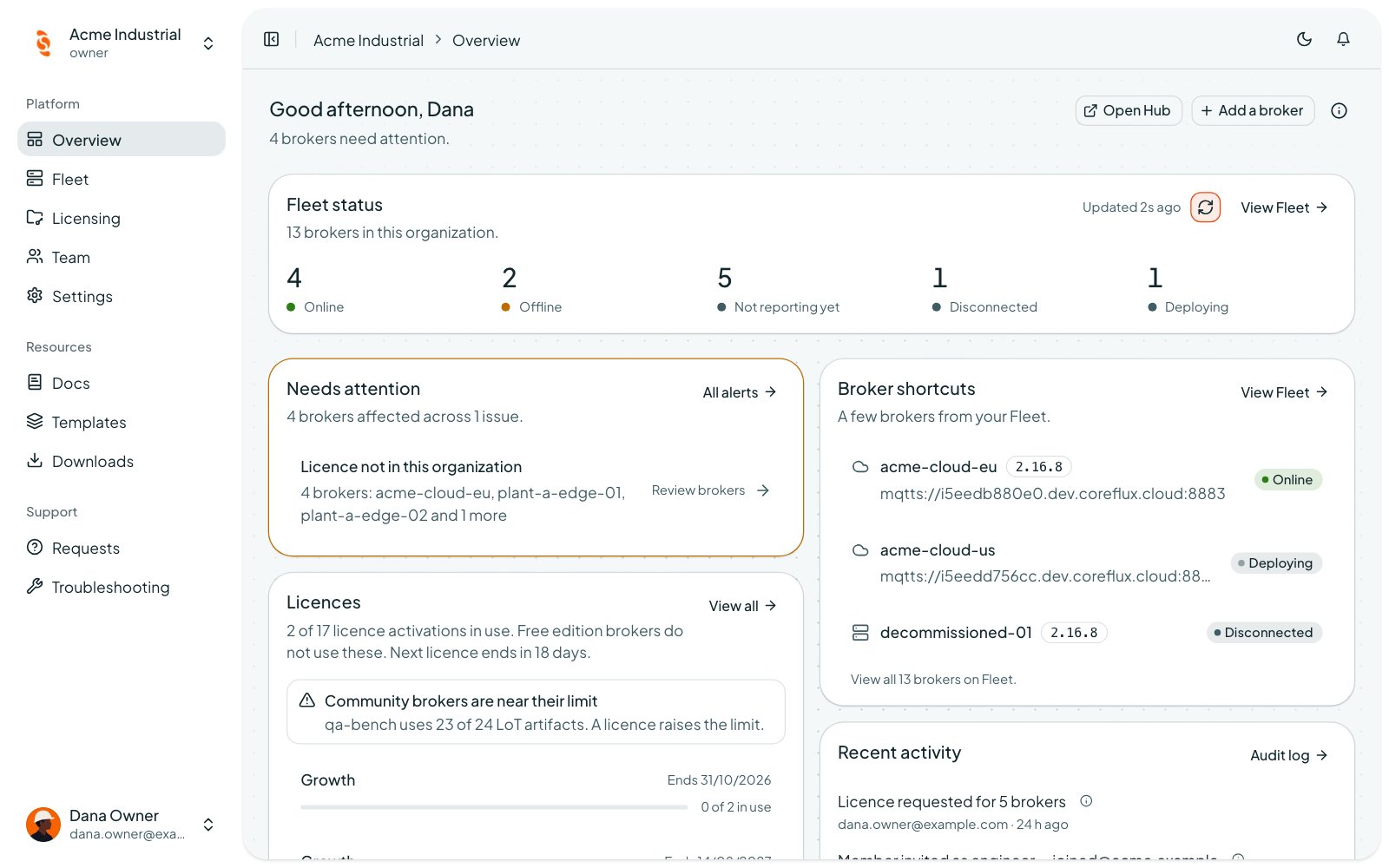
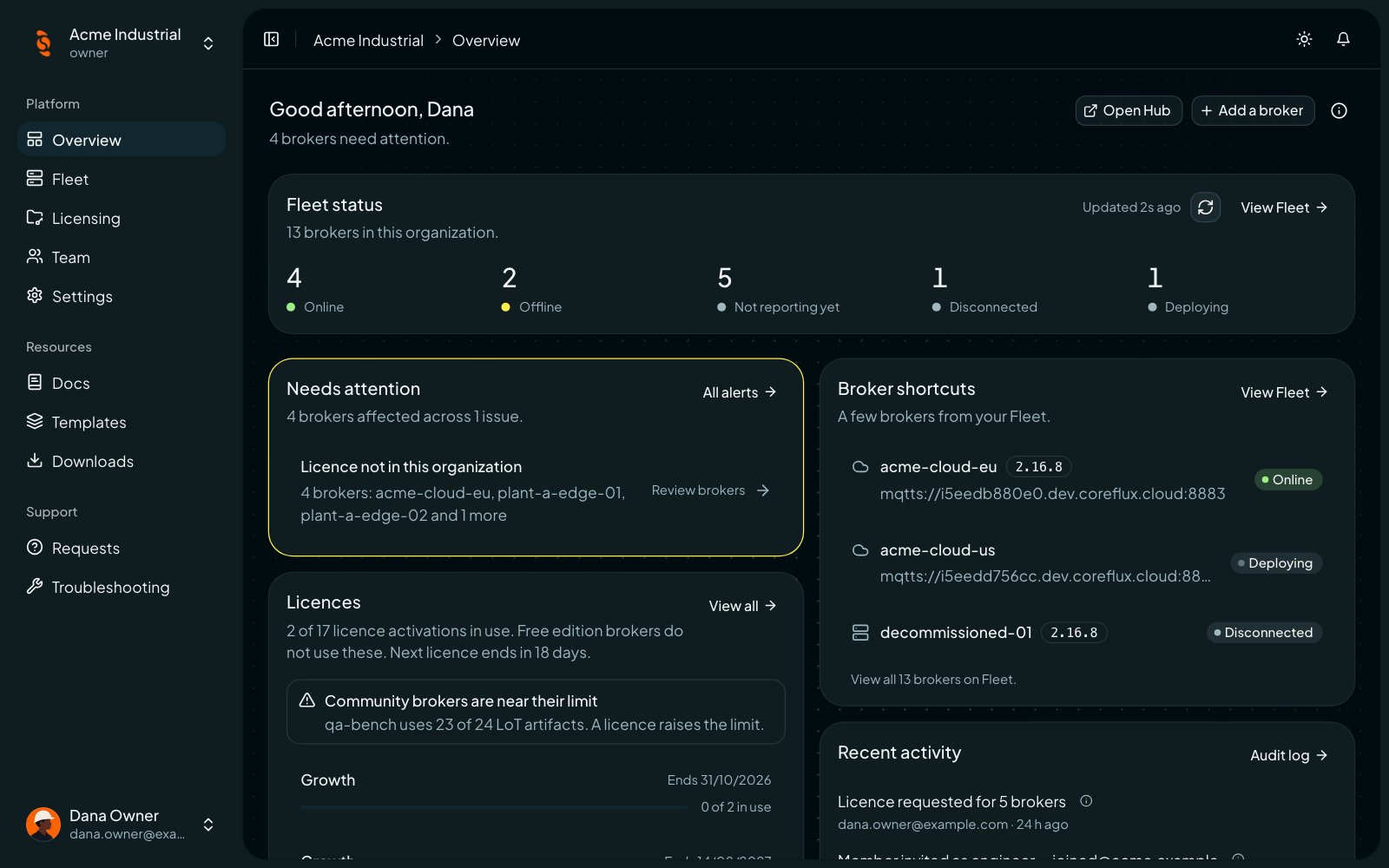
Overview of an organization with fleet status, alerts, licences, and recent activity
The broker’s free edition runs without an account. You need the Portal only when you want a licensed broker, a trial, or Fleet management.
Trial and Editions
The trial lasts 30 days, covers one broker, and is limited to one trial per account. The Portal shows its plan as trial. On the broker it lands as Growth entitlement, so Growth features such as custom ACL rules work during the trial. See Licensing and Enrollment for how the broker uses its license. Licenses are signed, and the broker checks them offline. A licensed broker keeps running when it cannot reach the Portal.Next Steps
Getting Started
Create an account and an organization, then start your trial.
Fleet
Add a broker and follow its status.
Licensing
Claim, request, and manage licenses and activation codes.
Team and Settings
Invite colleagues, set roles, and turn on MFA.