

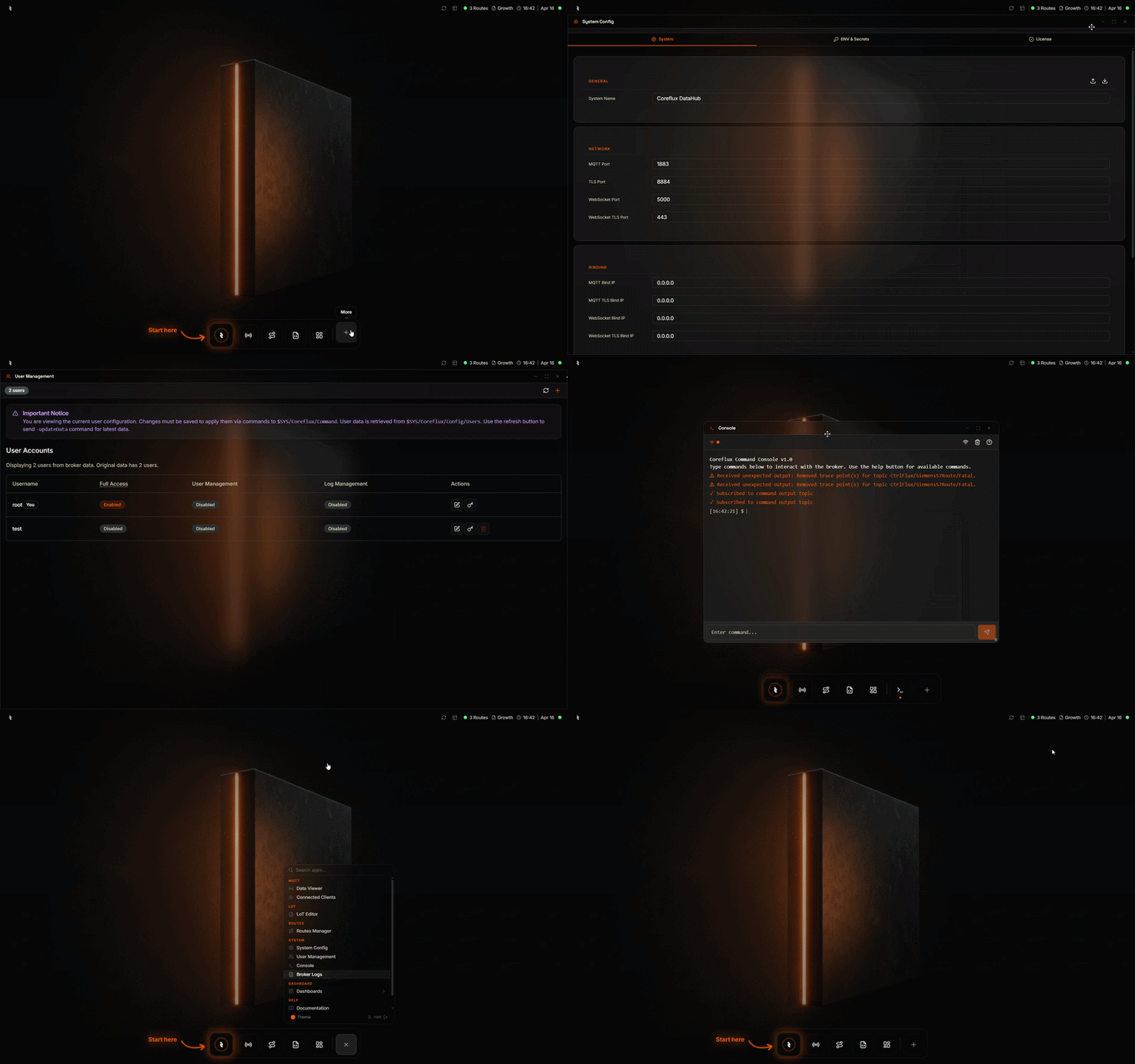
System section in the Coreflux HUB — broker administration, user management, command console, and logs
Why Use the System Section?
You need to administer your broker—configure settings, manage users, run commands, and view broker logs. The System section of the Coreflux HUB provides tools for broker administration, monitoring, and debugging in one place.When to Use Each Tool
System Tools
System Configuration
Broker settings and configuration options.
User Management
Create, edit, and delete users; manage credentials.
Command Console
Execute broker commands via the HUB.
Broker Logs
View broker logs, filter by level and date, export.
Next Steps
System Configuration
Configure broker settings.
MQTT Broker Configuration
Learn broker configuration options.