

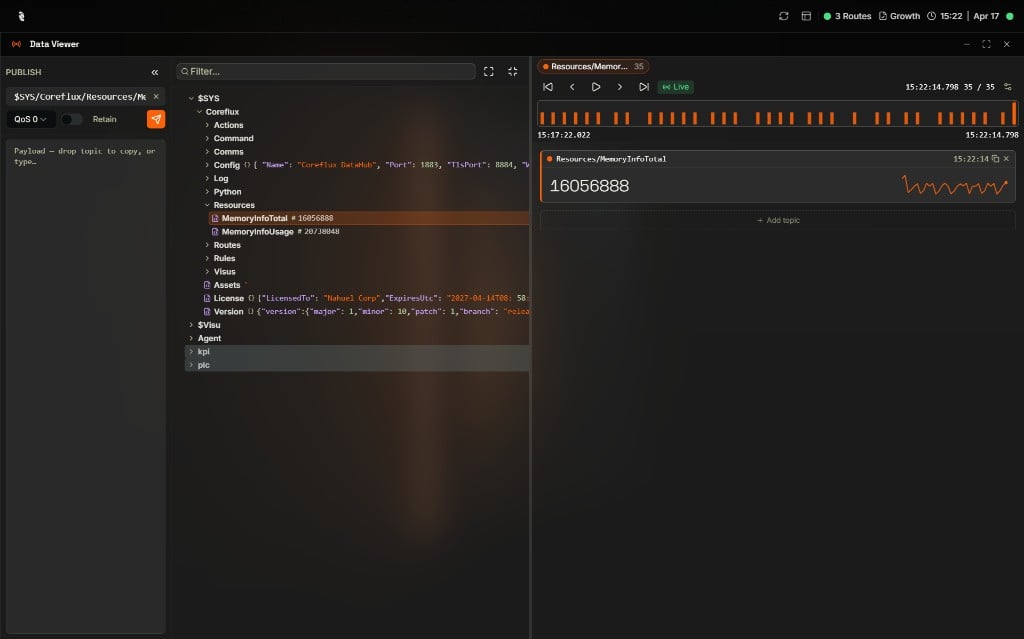
Data Viewer in Coreflux HUB — topic tree with publish controls
Your MQTT Dashboard
Welcome to your built-in MQTT toolbox. From here you can browse every topic on your broker, publish test messages, and check which clients are online — all without leaving the Coreflux HUB. Two widgets are ready for you: Data Viewer for topics and messages, and Connected Clients for monitoring connections.Pick the Right Widget
Next Steps
Data Viewer
Subscribe to topics, browse the topic tree, and publish messages.
Connected Clients
View active MQTT client connections and their status.