

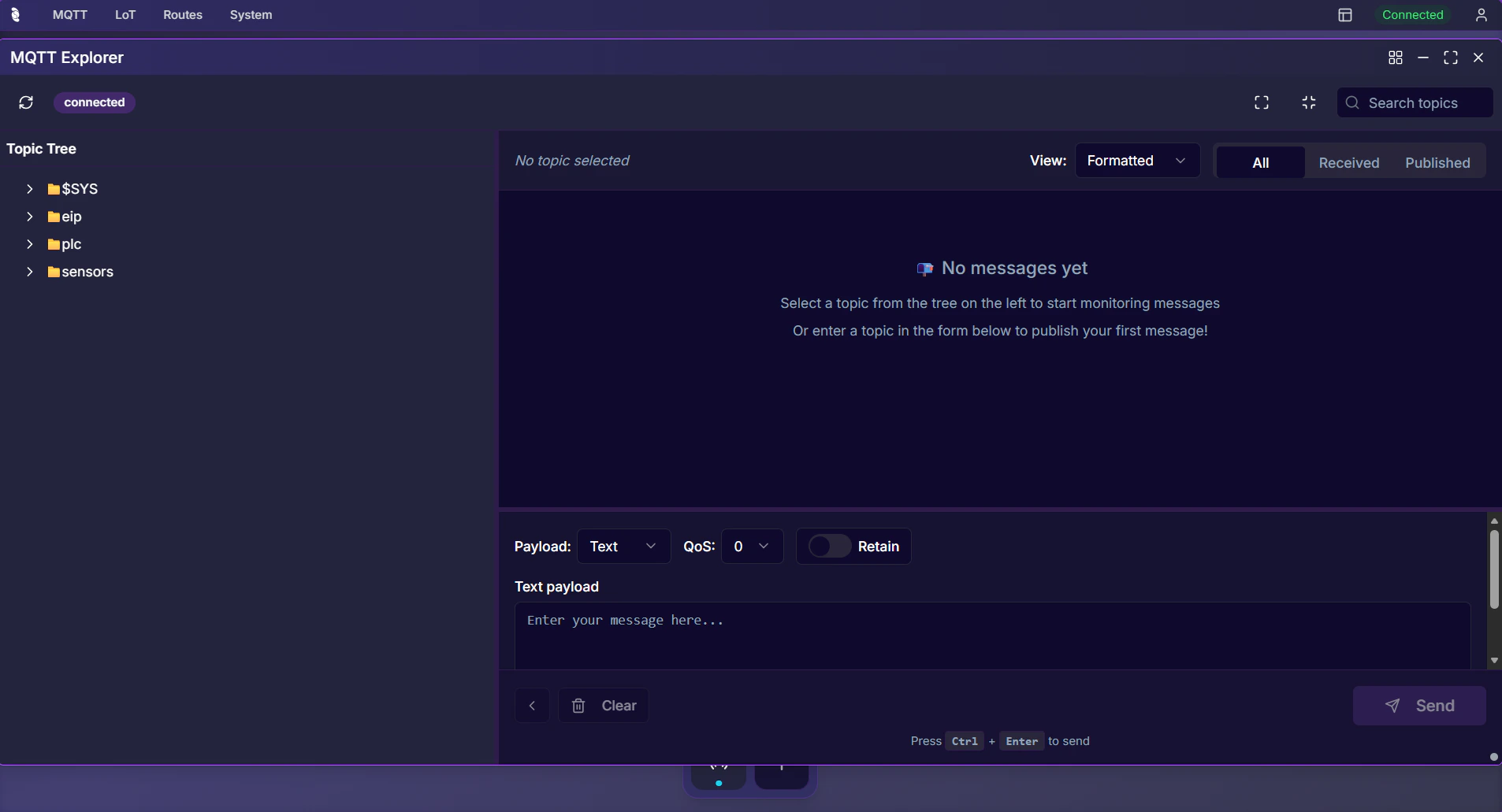
Why Use the MQTT Explorer?
You need to see what data is flowing through your broker—which topics are active, what payloads look like, and how to send test messages. The built-in MQTT Explorer in the Coreflux HUB lets you subscribe to topics, browse the topic tree, and publish messages without installing MQTT Explorer or any external MQTT client.When to Use It
- Viewing device data — Subscribe to sensor or device topics to see live readings (temperature, status, etc.) as they arrive
- Exploring your topic structure — Browse the Topic Tree to understand which topics exist and how they are organized
- Verifying Actions — Subscribe to output topics to confirm your LoT Actions are publishing correctly
- Debugging — Inspect payloads and topic structure in real time
- Testing — Publish messages to trigger Actions, test Routes, or simulate device data
- Monitoring broker activity — Watch
$SYStopics to check broker health, connected clients, and message throughput
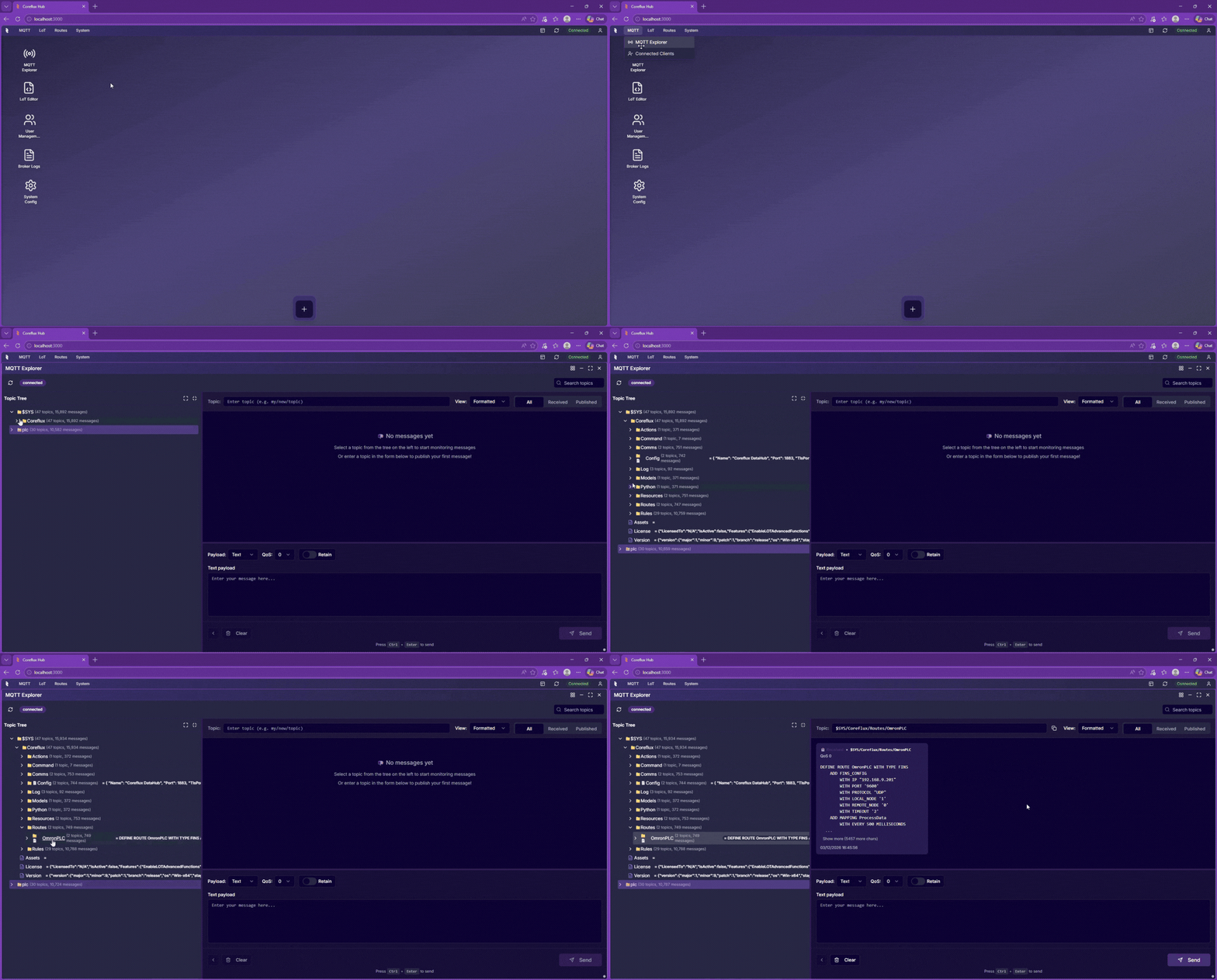
Accessing the MQTT Explorer
- In the HUB top navigation, select MQTT, then MQTT Explorer.
- The Topic Tree appears on the left, showing topics as they receive messages.
- Select a topic to view its payloads in the right panel.
Topic Tree
The Topic Tree shows the hierarchical structure of topics. Topics appear as messages are received. Expand branches to navigate and select a topic to view its payload history in the payload viewer.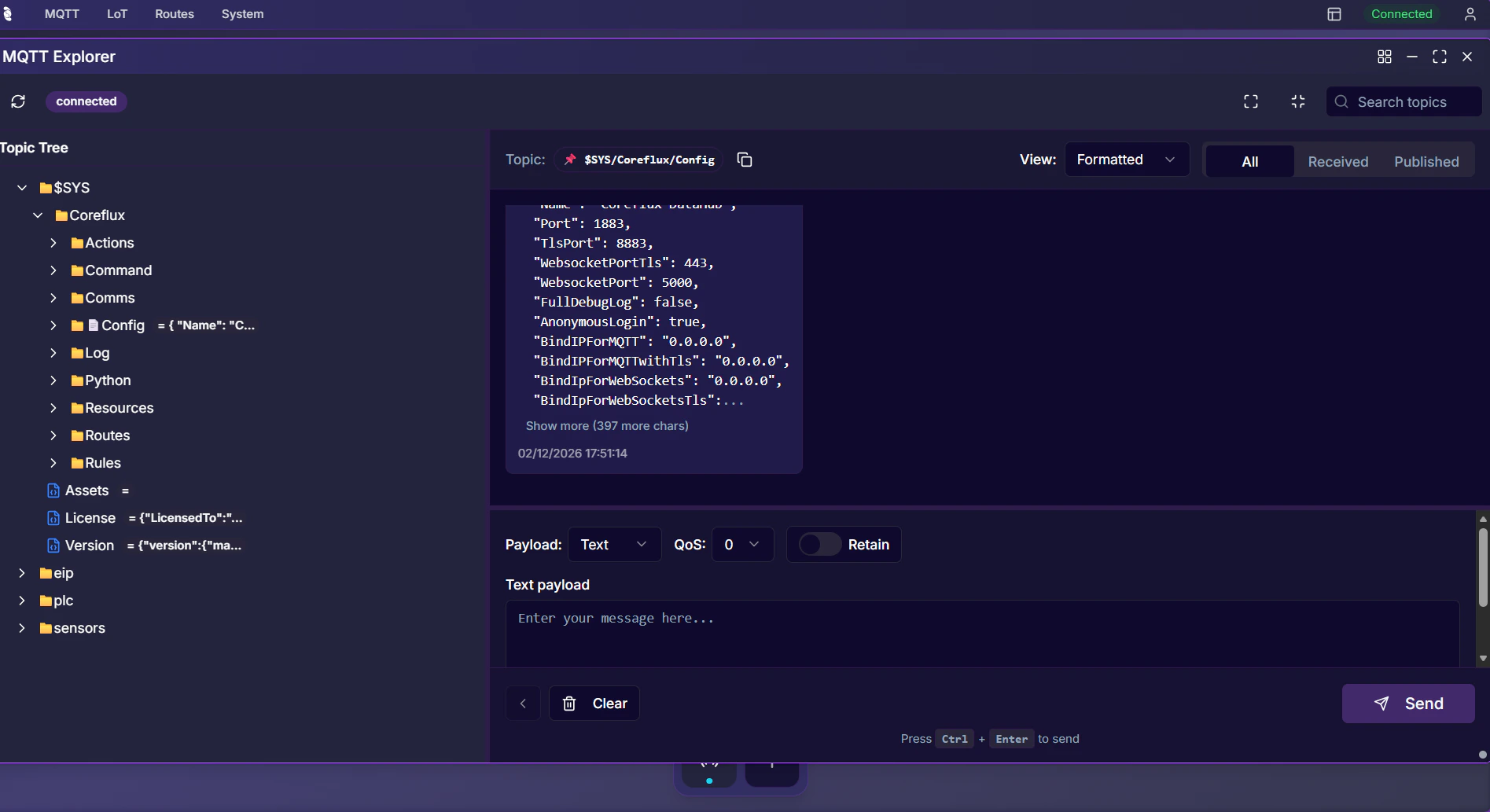
Subscribing to Topics
The MQTT Explorer automatically builds a topic tree as messages arrive. The simplest way to monitor a topic is to click it in the tree — select any topic to see its latest payloads in the right panel. For broader monitoring, use the subscription controls to add a wildcard pattern (e.g.,sensors/#). All topics matching the pattern appear in the Topic Tree as messages come in. Expand branches to drill down into subtopics.
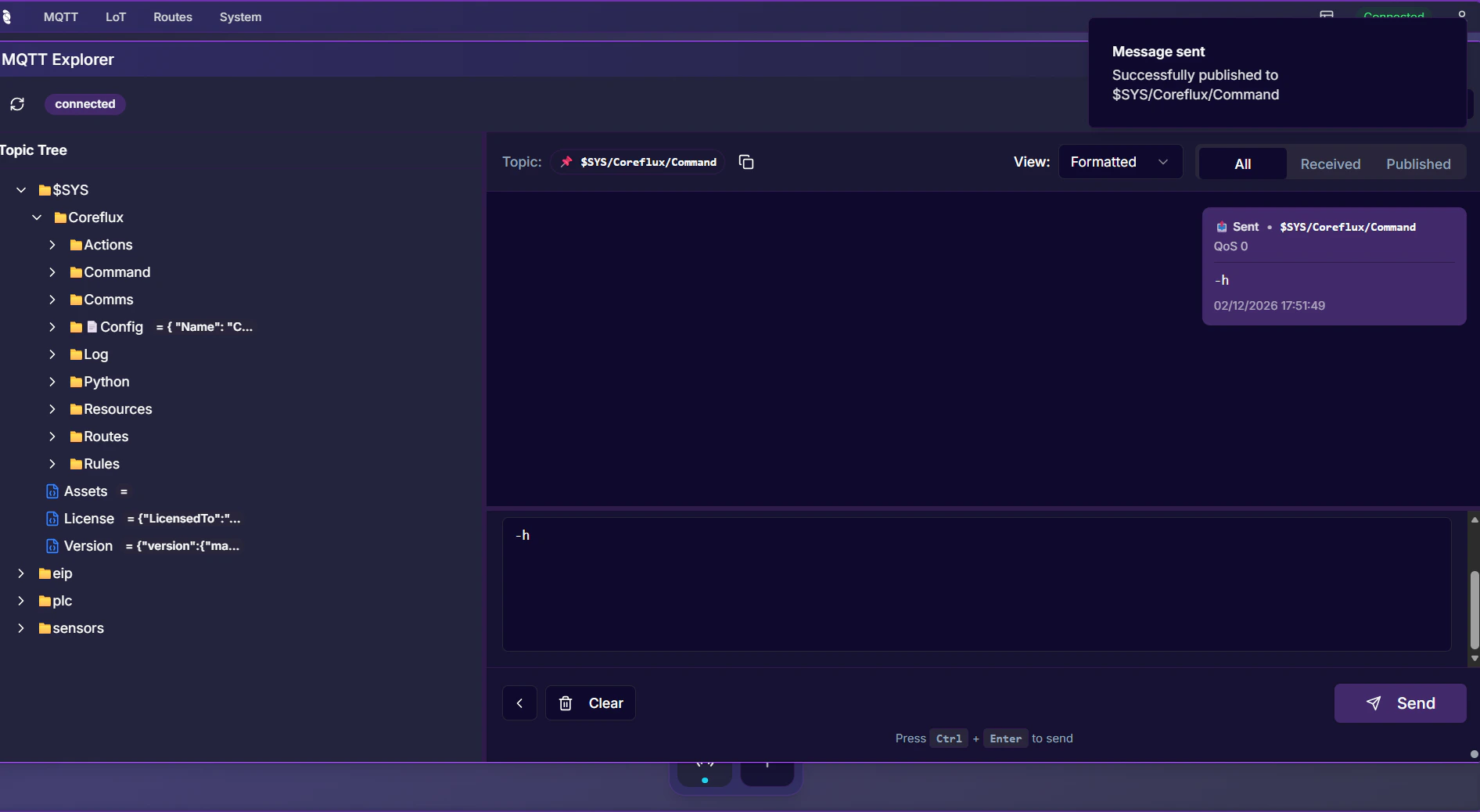
Publishing Messages
To publish a test message:- Select or enter the target topic.
- Enter the payload (plain text or JSON).
- Click Publish to send the message.
Next Steps
Connected Clients
See which clients are connected to your broker.
MQTT Broker Protocol
Learn how MQTT topics and wildcards work.